Optical Character Recognition (OCR) translation has quietly changed from a back-office utility to a strategic lever. What began as a basic tool for converting images to text is now part of enterprise AI stacks that make choices that have an impact on user experience, compliance, and costs.
OCR translation takes text from pictures, scanned documents, or PDFs and turns it into output that can be read by computers and is usually in more than one language. But the real transformation is clear: businesses are no longer using OCR to turn paper into digital files; they are utilizing technology to rethink how work is done.
In areas including banking, insurance, logistics, and government services, people are now asking questions like:
- How can we reduce the amount of manual data entry in banking without making things more dangerous?
- Can we make sure that document processing is compliant on a big scale?
- What does the AI for invoice processing ROI mean for businesses in the real world?
This blog discusses OCR translation from a strategic perspective, including what it is, why it's important now, and how CXOs can think about deploying it in a way that genuinely changes business KPIs.
What Is OCR Translation?
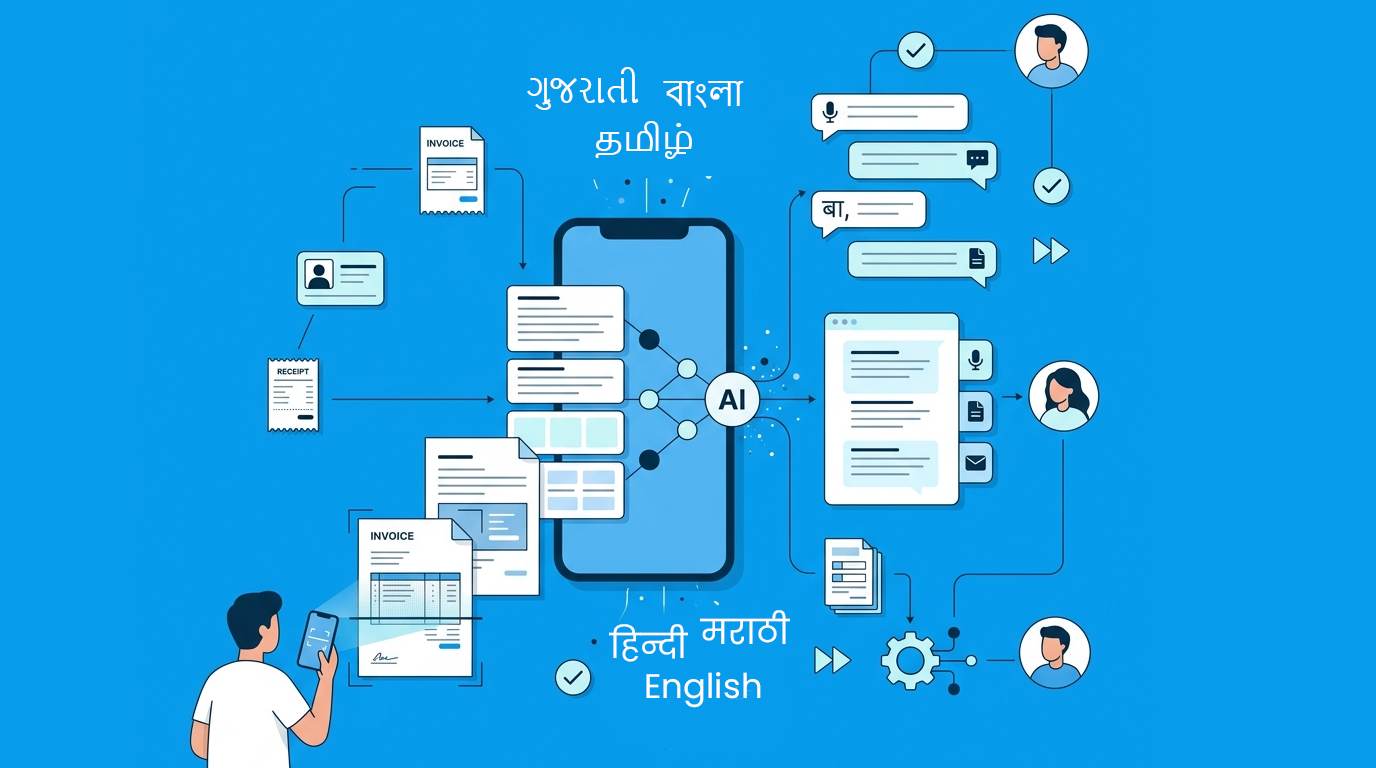
At a functional level, OCR translation is the process of:
1. Extracting text from images or scanned documents
2. Converting it into structured, editable data
3. Translating it into another language when required
However, this definition overlooks the broader context.
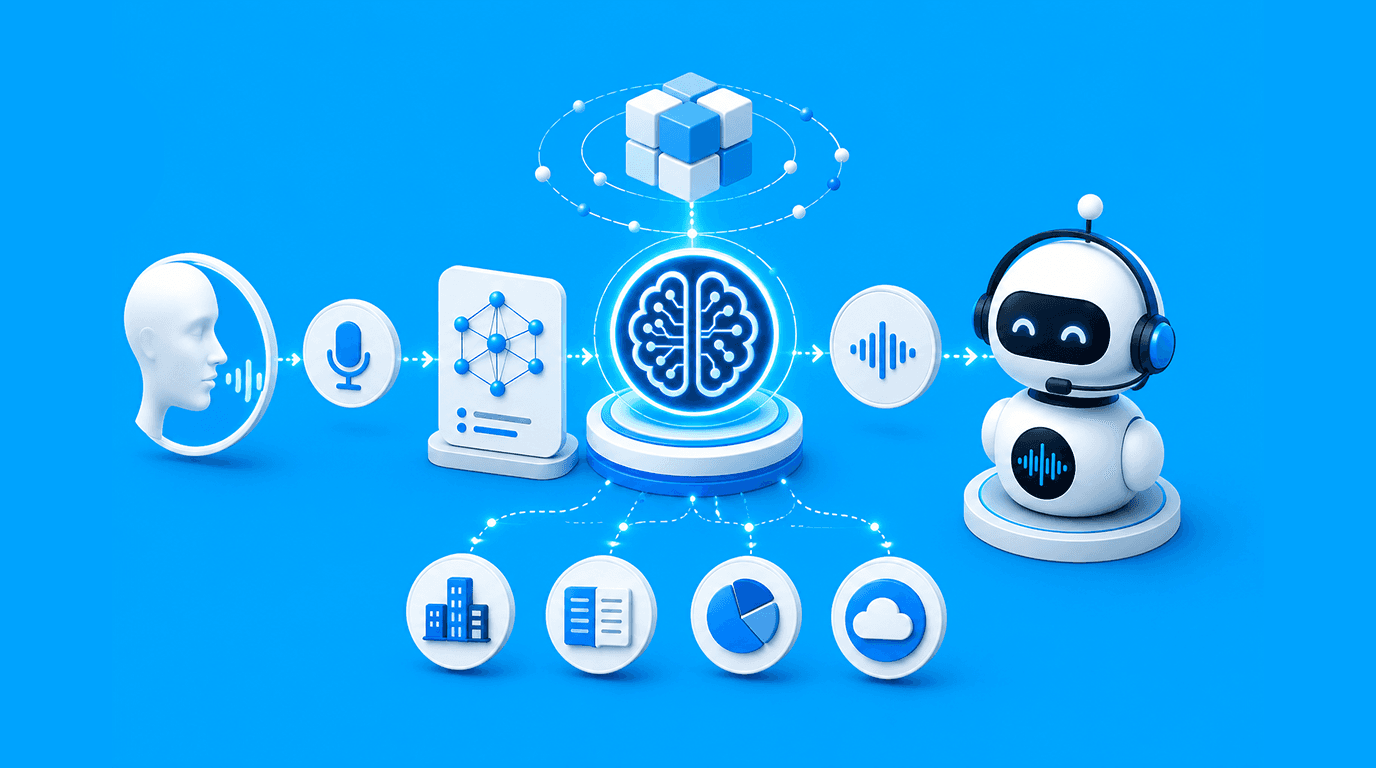
In modern enterprise environments, OCR translation is part of a broader system:
- Image ingestion
- AI-based text recognition
- Context mapping (what does the text mean?)
- Workflow automation
- Output into business systems
Think of it less as a tool and more as an input engine for decision-making systems.
How does OCR Work?
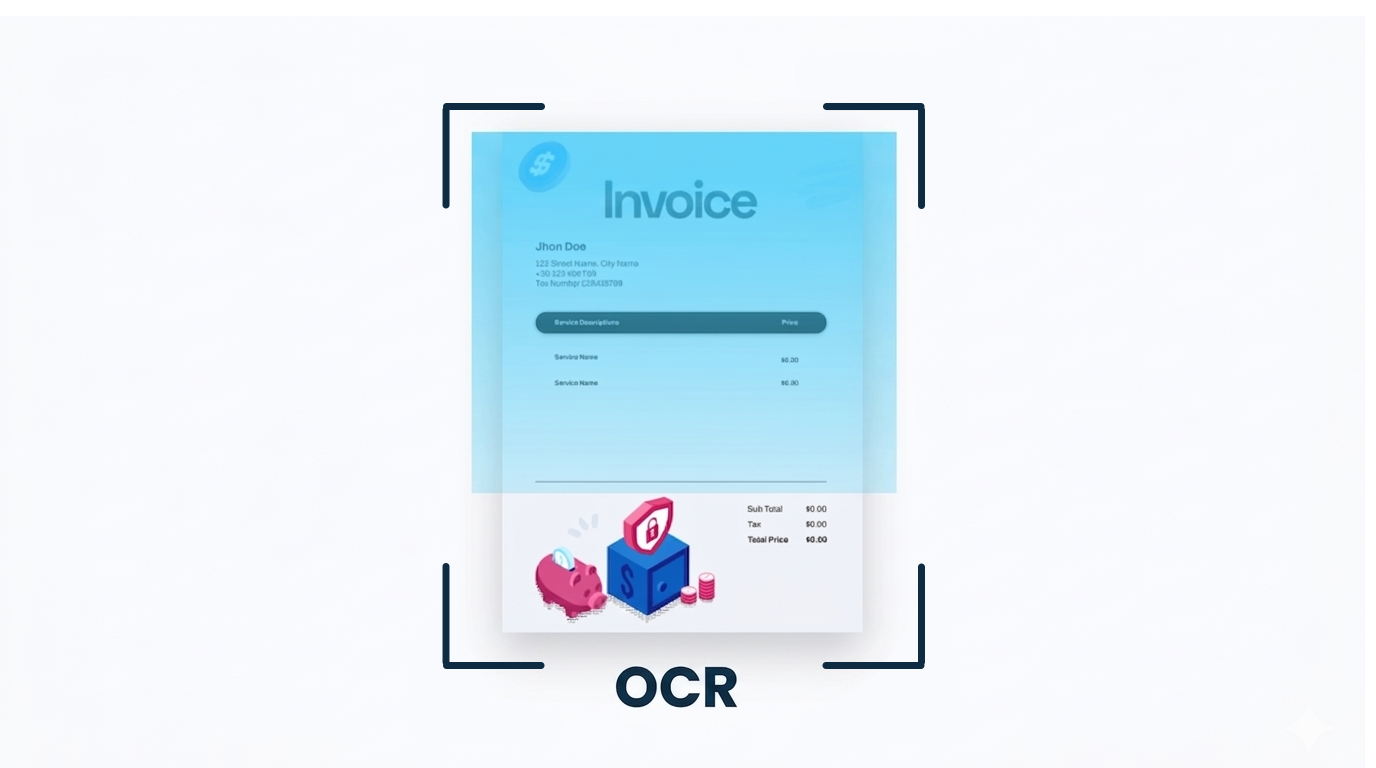
At first glance, OCR feels like a simple image-to-text converter, you upload a document, and it gives you text. But behind that is a fairly thoughtful process that cleans, reads, understands, and organizes information so it can actually be used inside business systems.
1. Image Capture & Preprocessing
Everything starts with the document itself, a scanned file, a PDF, or even a photo taken on a phone. The system doesn’t immediately try to read it. First, it fixes it.
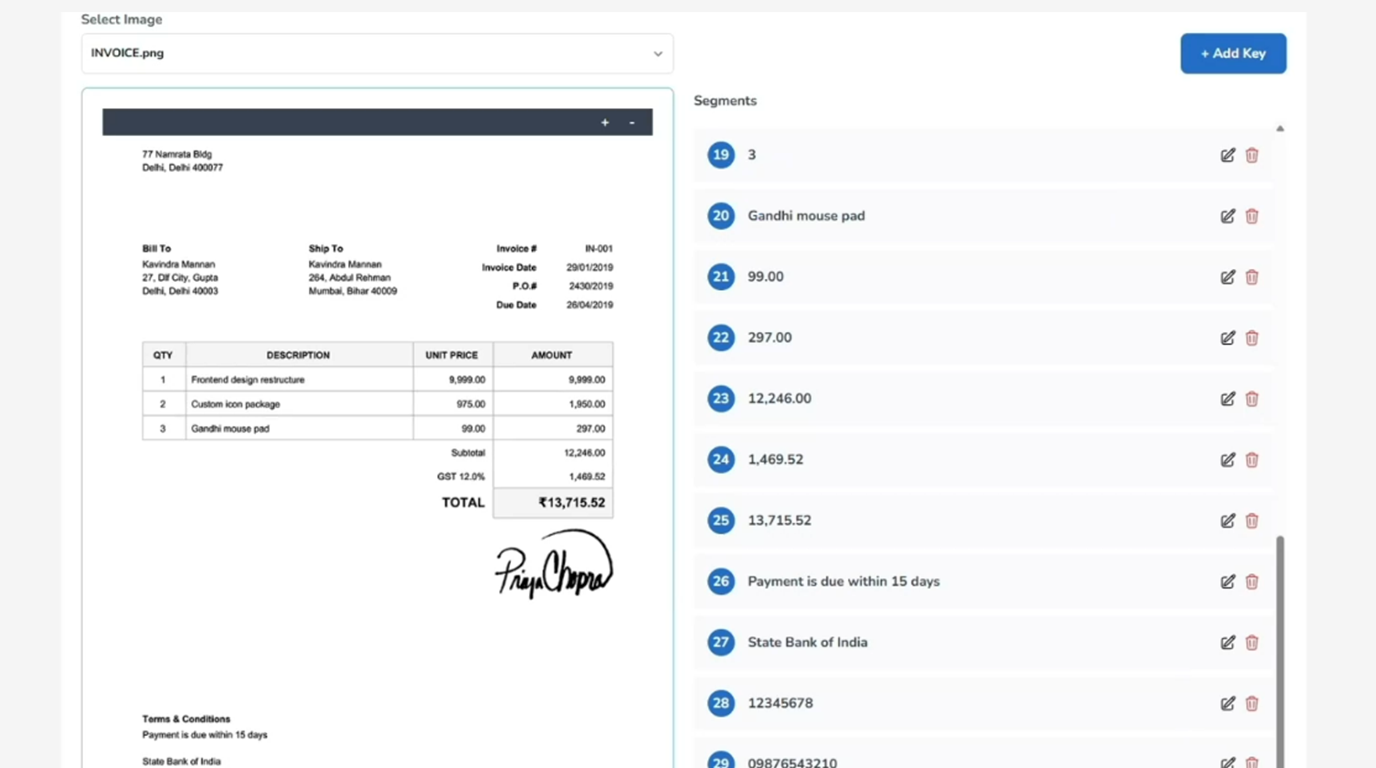
It straightens tilted pages, removes background noise, sharpens blurry text, and adjusts contrast. This might sound basic, but it’s critical. You can't trust the output if the input isn't clear. So this phase is mainly about giving the system a good chance to read things well.
2. Text Detection
Once the document is cleaned up, the system looks for where the text actually is. Not everything on a page is useful, there could be logos, stamps, borders, or signatures.
OCR separates the useful from the irrelevant. You could picture it gently drawing boxes around words, lines, and paragraphs, leaving off the sections that don't need to be read.
3. Character Recognition
This is where the real "reading" takes place. The algorithm takes the text areas that were found and turns forms into letters and words. Older systems used basic pattern matching. Now, the systems use AI to recognize and infiltrate.
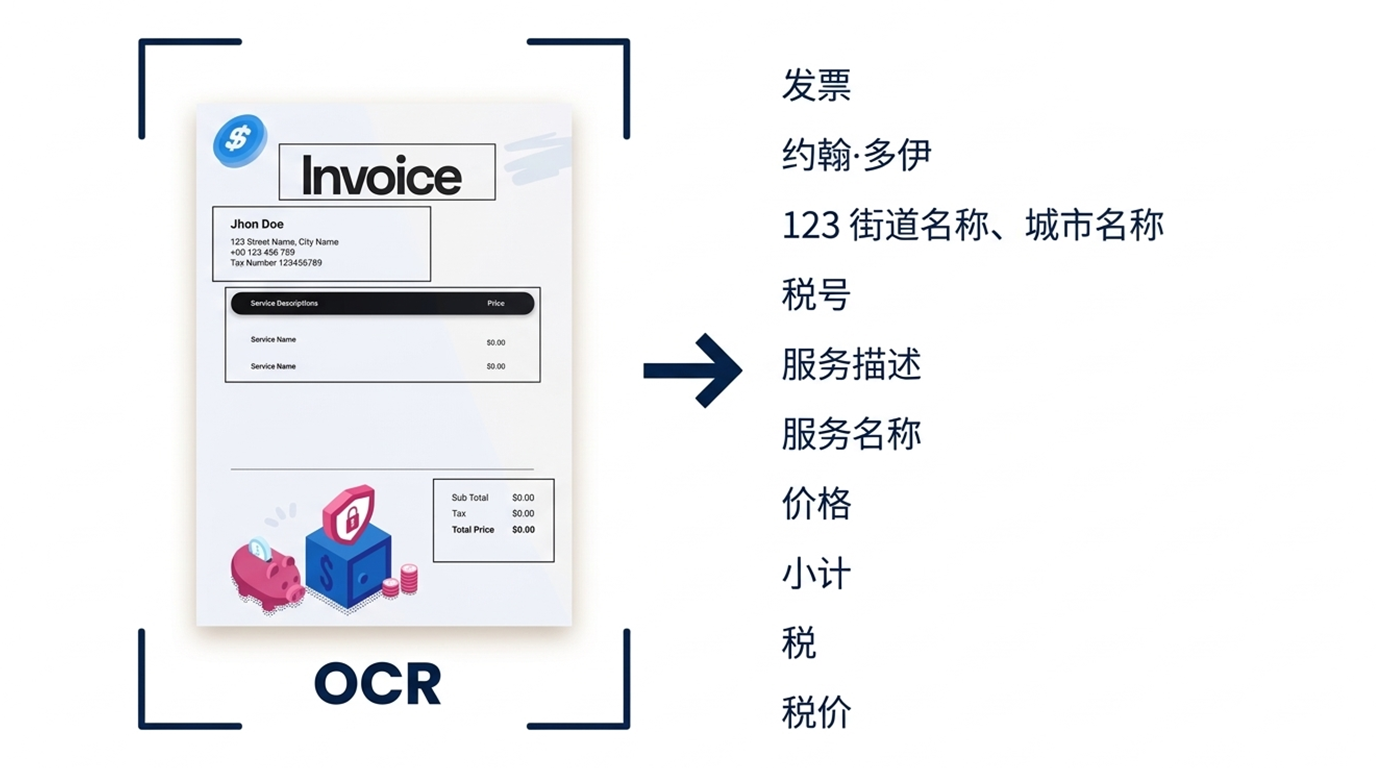
4. Language Processing & Context Understanding
Getting the text out is only part of the job. Understanding what that text signifies is what really matters.
Modern OCR algorithms aim to figure out what the context is:
- Is this a name or a place?
- Is this number an ID, a date, or an amount?
- Which field is which on a KYC form?
This system can even figure out what each piece of text means when there are multiple languages, like Hindi and English. This is why raw extraction is helpful for businesses.
5. OCR Language Layer
In many markets, documents are not written in a single language. That’s where OCR translation actually becomes useful in a real sense. It extracts the content from the document and makes that text easier to grasp by changing it into another language.
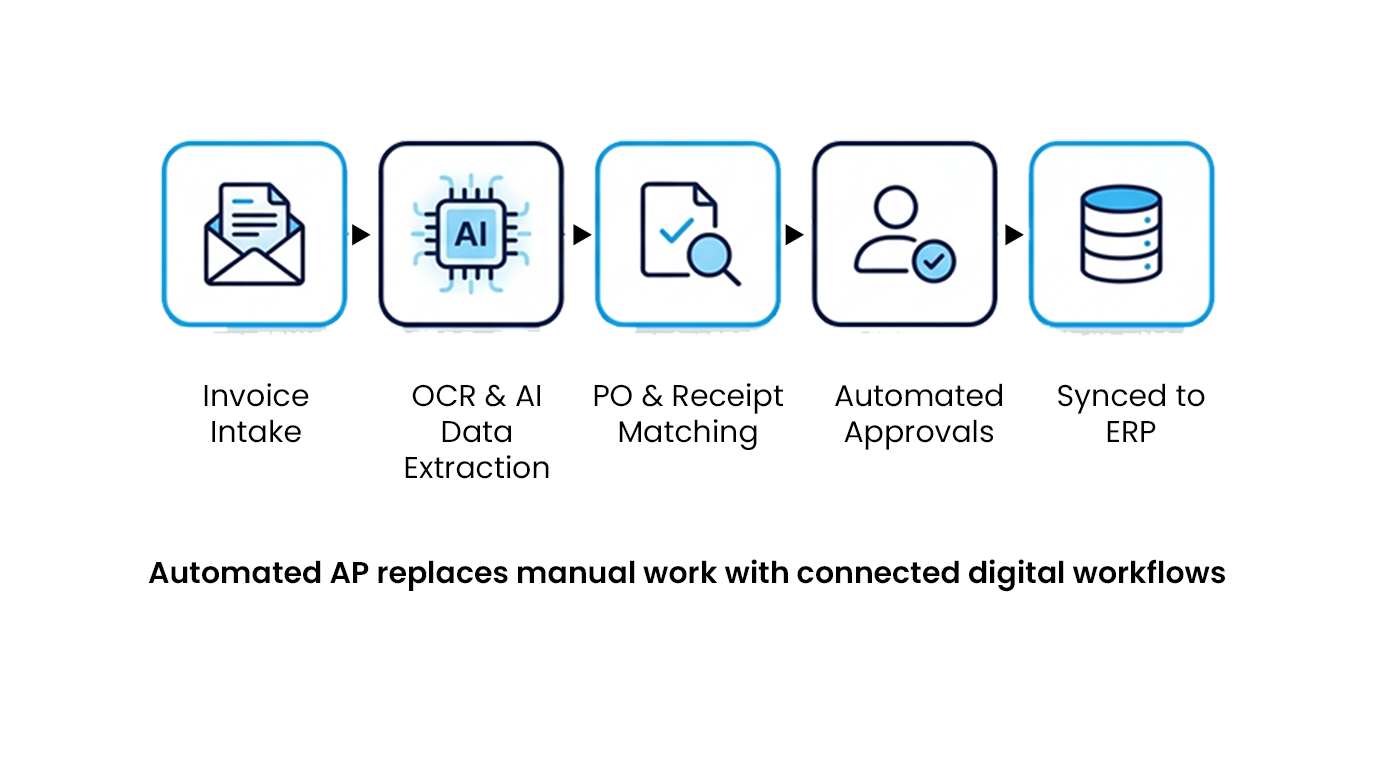
6. Data Structuring & Integration
At this stage, OCR stops being just a standalone capability. The data becomes searchable, structured, and ready to move through workflows automatically. And Finally, the data is put into formats that other systems, such as CRMs, ERPs, or compliance platforms, may use.
What Is OCR in Business?
In business terms, OCR is no longer about digitization alone. It is about removing friction from information flow.
Consider three scenarios:
- A bank onboarding a customer
- A logistics firm processing invoices
- An insurance company validating claims
In each case, documents are the bottleneck.
OCR transforms those documents into structured inputs that systems can act on. That’s why terms like:
- OCR automation banking
- AI document processing audit readiness
- Enterprise OCR vs manual processing cost
are gaining traction among decision-makers.
How OCR works as a Language Infrastructure Layer in Enterprise Workflows?
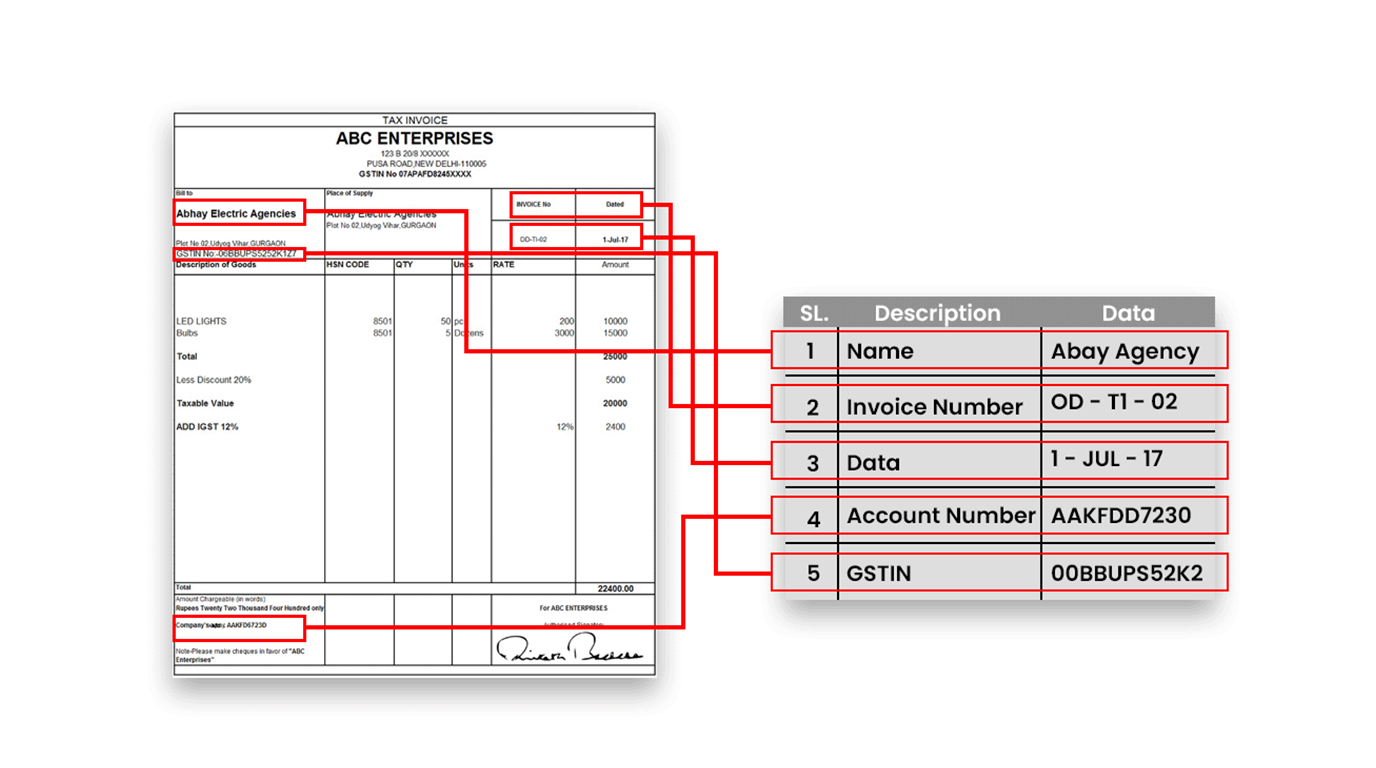
Most organizations started with OCR to reduce paperwork. The more advanced ones now use it to redesign workflows.
This shift can be understood through a simplified consulting lens, or we can say Language Infrastructure Layer:
1. Efficiency Layer
- Reduce manual data entry in banking
- Speed up document turnaround
2. Compliance Layer
- Automate document processing compliance
- Ensure audit-ready records
3. Intelligence Layer
- Extract insights from documents
- Enable predictive workflows
McKinsey notes that “automation technologies can reduce operational costs by 20–30% in many business processes” (Source). OCR is often the entry point into that value.
How is OCR helping out in multiple applications?
Walk into any operations floor, especially in financial services, and you’ll still find a familiar scene: stacks of documents, verification workflows, manual checks. It looks digitized on the surface, but underneath, human intervention remains deeply embedded.
This is where OCR translation has evolved.
Earlier, OCR systems focused on accuracy. Today, they are expected to deliver:
- Context understanding
- Multilingual processing
- Integration with compliance systems
- Real-time decision support
According to a World Economic Forum report, “digital transformation is reshaping how organizations process and use data across value chains” (Source). OCR sits right at the center of that transformation.
The pressure is especially visible in India, where:
- Regulatory requirements are tightening (e.g., KYC, audit trails)
- Language diversity adds complexity
- Scale is non-negotiable
This has made OCR for KYC compliance India and document processing AI compliance critical, not optional.
Use Cases Across Industries
1. Banking & Financial Services
This is where OCR has the most effect. The main benefit is that it lowers danger. When systems can automatically standardize and verify data, compliance becomes part of the system rather than something that has to be enforced.
Important uses:
- OCR for KYC compliance in India
- Processing loan applications
- Workflows for opening accounts
2. Invoice Processing & Accounts Payable
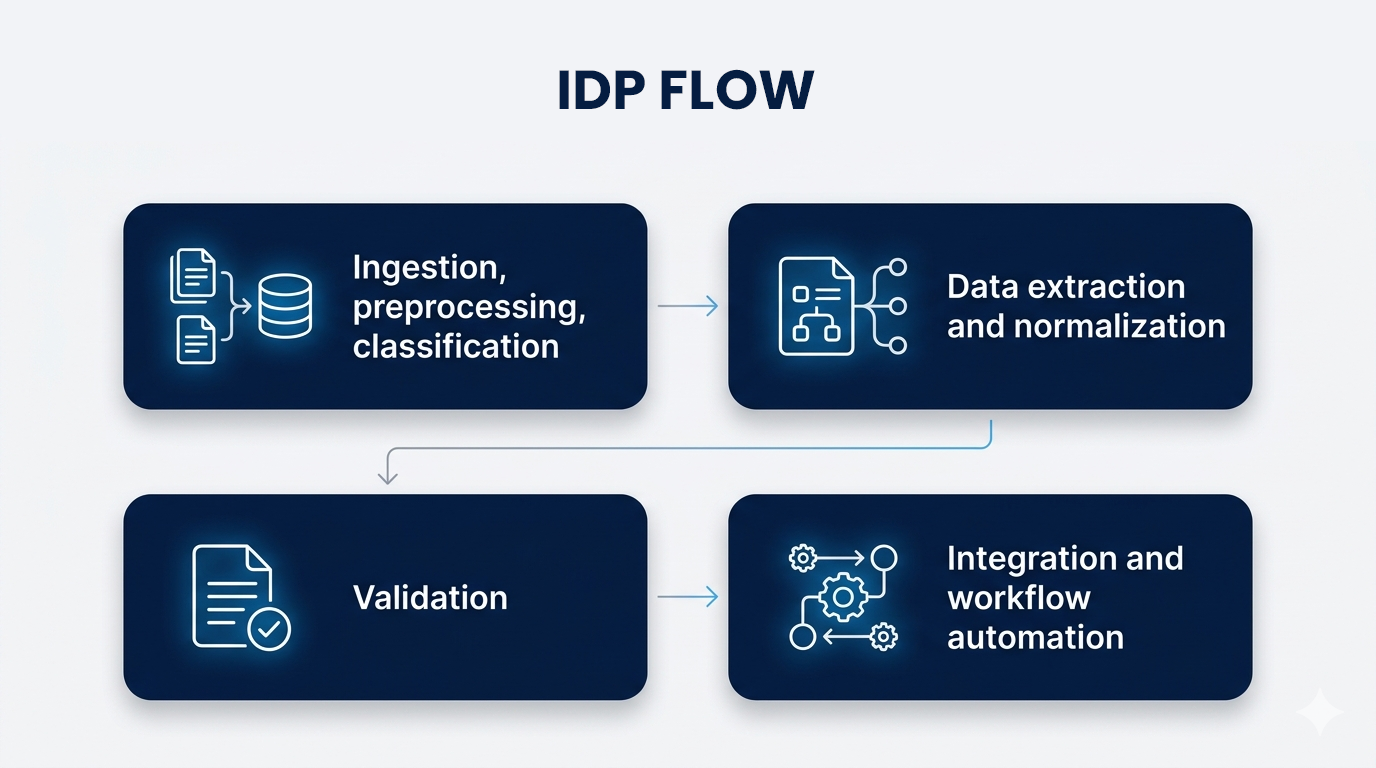
Companies typically don't realize how long it takes to process invoices.
OCR and AI together make it possible to:
- Extracting data automatically
- Matching purchase orders with invoices
- Faster approvals
This is when you can start to see the ROI using AI for processing invoices:
- Less time needed to process
- Fewer mistakes
- Better relationships with vendors
According to a Deloitte study, intelligent automation may greatly improve the accuracy and efficiency of the financial department. (Source).
3. Insurance & Claims Processing
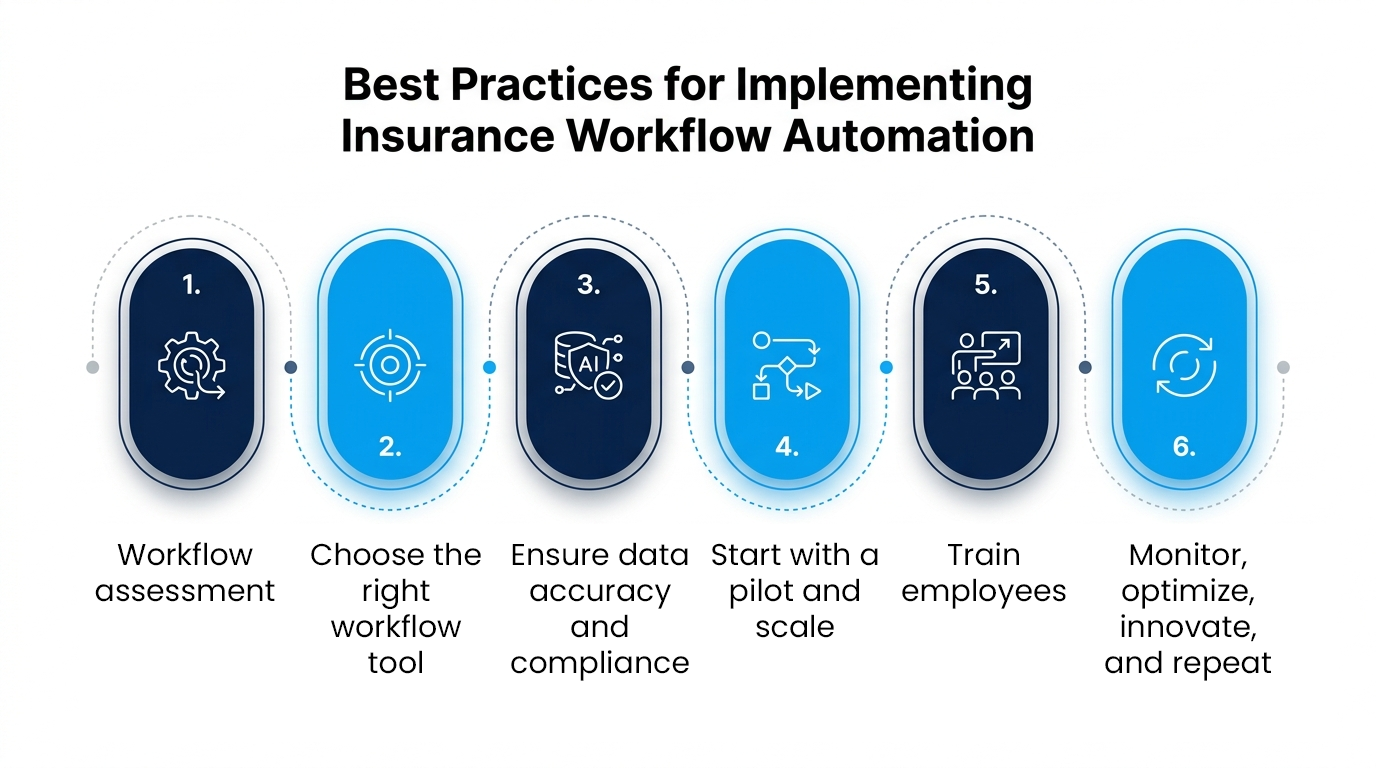
Insurance workflows are document-heavy and time-sensitive.
OCR enables:
- Faster claim validation
- Fraud detection through pattern analysis
- Improved customer experience
4. Multilingual Customer Communication
Language makes things even more complicated in markets like India. This is where OCR translation, not just OCR, is very important:
- Changing documents in regional languages into standard formats
- Making it possible to process many languages
Key Benefits of OCR for Businesses
1. Less Manual Work, More Meaningful Work
If you’ve ever seen teams manually entering data from forms or invoices, you know how time-consuming it gets. OCR takes that load off. Instead of spending hours on repetitive tasks, teams can focus on work that actually needs human judgment. In many cases, it helps reduce manual data entry in banking and similar sectors almost immediately
2. Things Move Faster, Noticeably Faster
One of the first things that companies notice is how fast things are going. Tasks that used to take days, including onboarding new employees or approving invoices, now just take hours, or even minutes. OCR eliminates the lag between processes, making the workflow feel more immediate and less fragmented.
3. Fewer Errors, Less Back-and-Forth
Manual entry almost always comes with small mistakes, wrong numbers, missed fields, and inconsistent formats. These errors do not remain isolated; they lead to rework.
4. Compliance Becomes Easier to Manage
Instead of having to find papers and resolve problems during audits, OCR helps make compliance a part of daily work. Data is collected in an organized form, making it easier to find data and keeping audit trails up to date automatically. This makes it a lot easier to automate compliance with document processing, especially in areas like KYC, where accuracy is crucial.
5. Costs Don’t Spiral with Growth
Documentary growth is directly proportional to business growth. In a manual setup, that usually means hiring more people and increasing costs. OCR changes that equation. Once implemented, it can handle higher volumes without a proportional increase in cost, making the case for enterprise OCR vs manual processing cost quite clear over time.
Quantifying the Value: OCR vs Manual Processing
Manual Processing
In most organizations, manual document handling still follows a familiar pattern, slow, batch-based, and heavily dependent on people. As document volumes grow, things don’t just scale neatly; they start to pile up. Turnaround times get longer, teams feel the stress, and delays become normal.
Then there are the costs. More documents usually indicate more people, which means higher costs of doing business. From a compliance point of view, manual systems tend to be reactive. Audits or reviews find problems, not stop them from happening in the first place. This manner of working gets difficult to handle over time, especially in fields with a lot of work and a lot of rules.
OCR + AI Processing
OCR-powered workflows feel very different once they’re in place. Documents move faster, often in near real time, without waiting for manual intervention at every step. What used to take hours or days starts happening in minutes.
The prices also change. Automation makes it less essential to perform tasks by hand, thus handling more volume doesn't always mean spending more money. In actuality, the price per document frequently falls over time.
It also becomes easy to keep up with compliance. Processes are meant to be audit-ready from the start, not fixed afterward. They have built-in validation rules, organized data gathering, and automatic audit trails.
OCR systems may evolve without any complications, which is the nicest feature about them. They can handle additional work when their workloads expand without making things more difficult. That's why they work and last a lot longer than other methods.
Conclusion
OCR translation is no longer about reading text from images. It is about unlocking the flow of information across an organization.
The companies that win will not be the ones with the best OCR tools, but the ones that integrate OCR into how decisions are made, compliance is managed, and customers are served.
Because in the end, documents are not the problem. The delay in understanding them is.