AI-based translation has been amazing in quest of quick and precise translations in several languages, including Hindi. Website translation is a golden step for millions of businesses looking to target global markets beyond geological boundaries. It has been very effective for travelers, professionals, students, and casual users. Website Translation bridges the language gaps and thus communicate effectively in their comfortable language.
This blog will discuss the numerous features of Devnagri AI help to work towards instant Website Translation.
Why Use Devnagri AI for Website Translation?
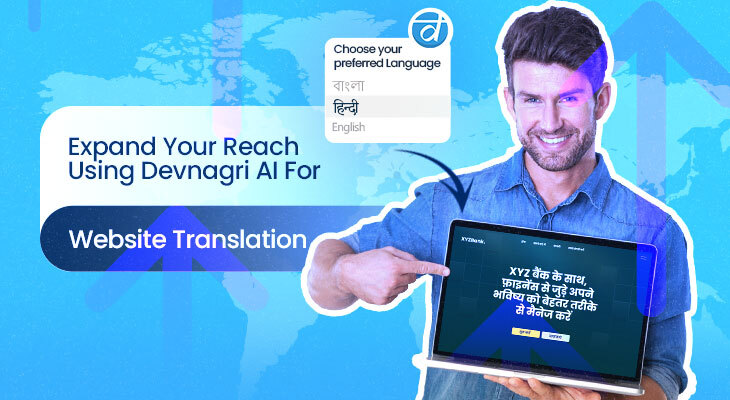
Devnagri on the air (DOTA) web is a website translation tool that translates websites at a highly scalable pace in real-time into whichever language one wants.
DOTA offers hundreds of advantages for Hindi speakers and learners since it makes them understand each other much more quickly and accurately. Here are the most important reasons why people consider it their first choice for English to Hindi translation purposes.
High Accessibility, It is an online product very accessible and easy to use.
With Devnagri AI, you can have it whether you are performing English To Punjabi Translation Hindi to English translations, or any other language online handy when you’re moving about. It helps with all types of top languages.
There are more than 22 official Indian languages for which Devnagri AI offers support, and it is very easy to toggle between English and other languages.Offline Capability, Enjoy using the solution offline, which comes in handy especially when internet connectivity is limited.
Main Features of Devnagri AI for website Translations
Devnagri AI is full of features that have been designed to ensure that translation for languages such as Hindi with non-Latin scripts like English to Punjabi Translation goes as smoothly as possible. Some of these main features are indicated below:
Pratibimb - Optical Character Recognition
- Translate Text in Images: Simply capture any printed Hindi text you can find, be it signboards, menus, or brochures, and Devnagri AI will translate it immediately for you.
- Travel and Everyday Scenarios: Great for transliterating key texts when travelling or when you encounter a Hindi text you don’t know.
Document Input
⦁ Handwriting input for non-Latin alphabet languages: If you’re writing in a language whose alphabet is not Latin, then handwriting input will work. You can just draw out your Hindi letters and words with your pencil or finger, and Devnagri AI will understand what you have written.
⦁ Works for uncommon fonts: Handwriting input works even for text in an image that uses a pretty uncommon font. Now that’s what we call convenience.
Speak and Listen with Waani (multi-lingual AI Bot)
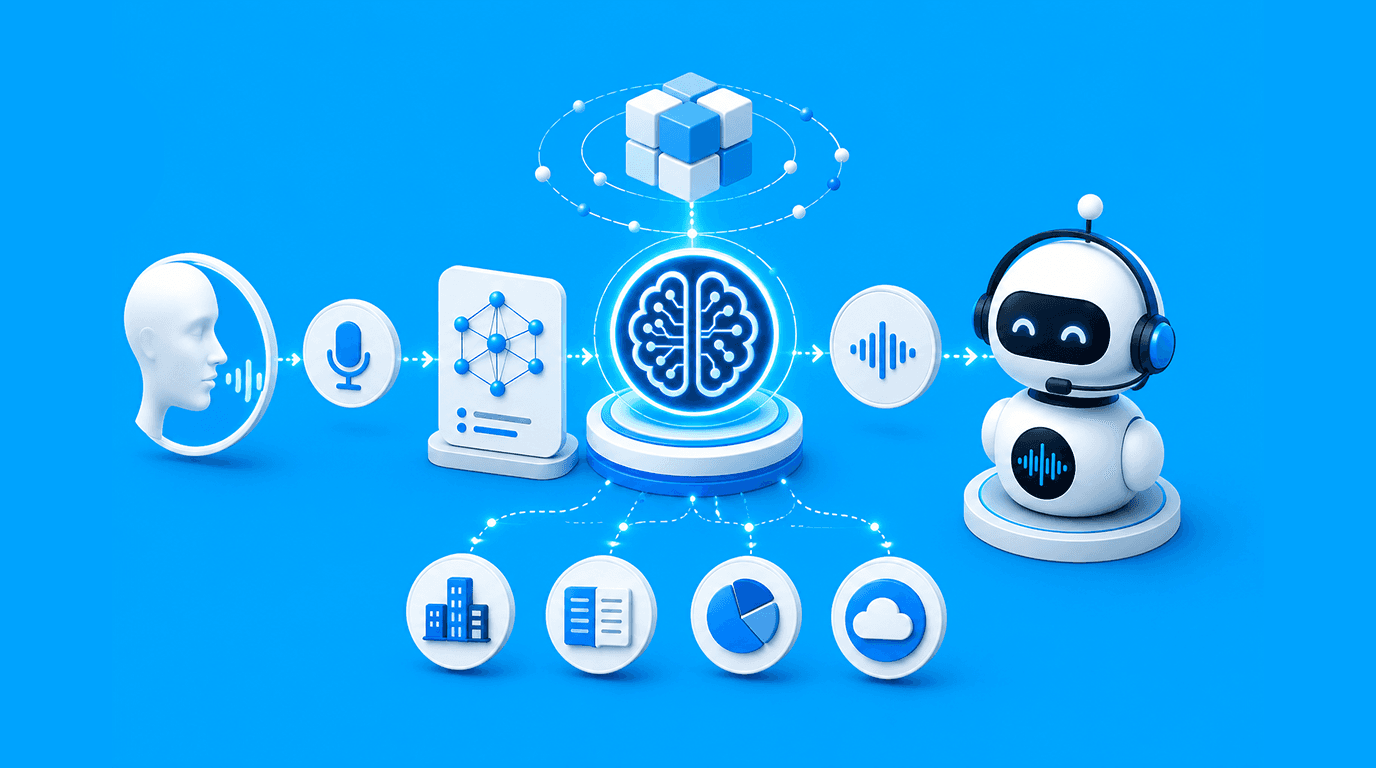
⦁ Voice Translation: You can speak to your customers in a localized language to personalize their experience. The app even reads out translations for perfect pronunciation.
⦁ Perfect for Conversations: It is useful in conversations in which you can speak into the app and let it relay the translation to your conversation partner.
Tap to Translate with DOTA App
⦁ Instant Translation in Other Apps: Get our SDK, integrate it into your app and seamlessly utilize our app in your language. It’s very helpful for messaging apps and social media, where sometimes you may require instant translations.
. Smooth Experience for the User: Tap to Translate provides smoothness by keeping you where you were. The SDK gives you direct access to translations.
Phrasebook for Instant Recall
⦁ Saving Common Phrases: An easy-to-use dashboard provides the ability to save commonly used translations for easier instant recall. This is particularly helpful, especially with data you use constantly in repeat use such as greetings and directions.
⦁ Saves and Organizes Important Translations: The dashboard organizes and saves English to Hindi translations and leads so that they are to hand when needed without having to re-translate.
English to Hindi translation: Real-life Applications
It is not limited only to daily conversations. Due to its varied features, Devnagri AI can also be highly applied as a handy tool in many practical applications
Here are some ways it will be quite useful:
Traveling Buddy
⦁ Translations for Tourists: This includes translations of transport signs to menus in restaurants wherein travelers can confidently navigate Hindi-speaking regions.
⦁ Offline access for remote areas: Devnagri AI will always help translate even when internet connectivity is cut off as internet connectivity in places may be limited.
Professional and educational usage
⦁ Workplace communication: Professionals who are interacting with Hindi-speaking clients or working in India, can use Devnagri AI to quickly gain access to documents, emails, or messages.
⦁ Learning Tool: Students can now be able to access Hindi sources easily using Devnagri AI, thus making it easier to understand material, learn about a topic, or further delve into language studies.
Enhancing Social Media and Messaging Interactions
⦁ Social Media Translation: You can perform Website Translation easily. You can instantly read comments, captions, or even posts, thus prompting better intercultural understanding.
⦁ Rapid Message Translation: Whether you happen to have a conversation with a friend or in a group, Devnagri AI instantly translates users thus making the discussions less hassle-free.
Tips for Using Devnagri AI for English to Hindi translation
Here are some useful tips to enhance your experience and get more accurate English to Hindi or Hindi to English translations when using Devnagri AI:
⦁ Good Resolution Images: Using a clear and well-lit image for camera translations, the quality of the image increases the chances of accuracy for text recognition.
⦁ Dubbed Audio: Using voice input, speak at a moderate pace while enunciating your words to ensure better understanding.
⦁ Watch Out for Regional Options: Hindi is dialect-specific; hence, the translation back or forth into Hindi should pay attention to the regional expressions and dialects.
⦁ Save Common Phrases on the Dashboard: Let Devnagri AI remember often-used phrases so you do not have to keep retyping the same thing over and over, or even to have easier conversations.
Website Translation
Website translation by DOTA web can translate for you, and it repeats phrases into Hindi. It helps when you need to do something else or if you need assistance and want to quickly translate what’s coming your way.
Devnagri AI is certainly a much-needed boon to Hindi-speaking users, learners, and travelers, as the more the merrier—the higher the chances of connecting with people in Hindi-speaking regions—in the simplest terms, easier communication.
Thus, it equips the user with all that is required for a Website Translator. Though there are some limitations to it, the guidelines given above, if followed and the advanced features utilized, can surely help improve your translation and achieve the highest accuracy.